

Automation & Process
Automation that works the day you install it
Downloadable Zapier and Make.com blueprints for agencies and startups, built to import, connect and run without a developer on retainer

What Forge Does
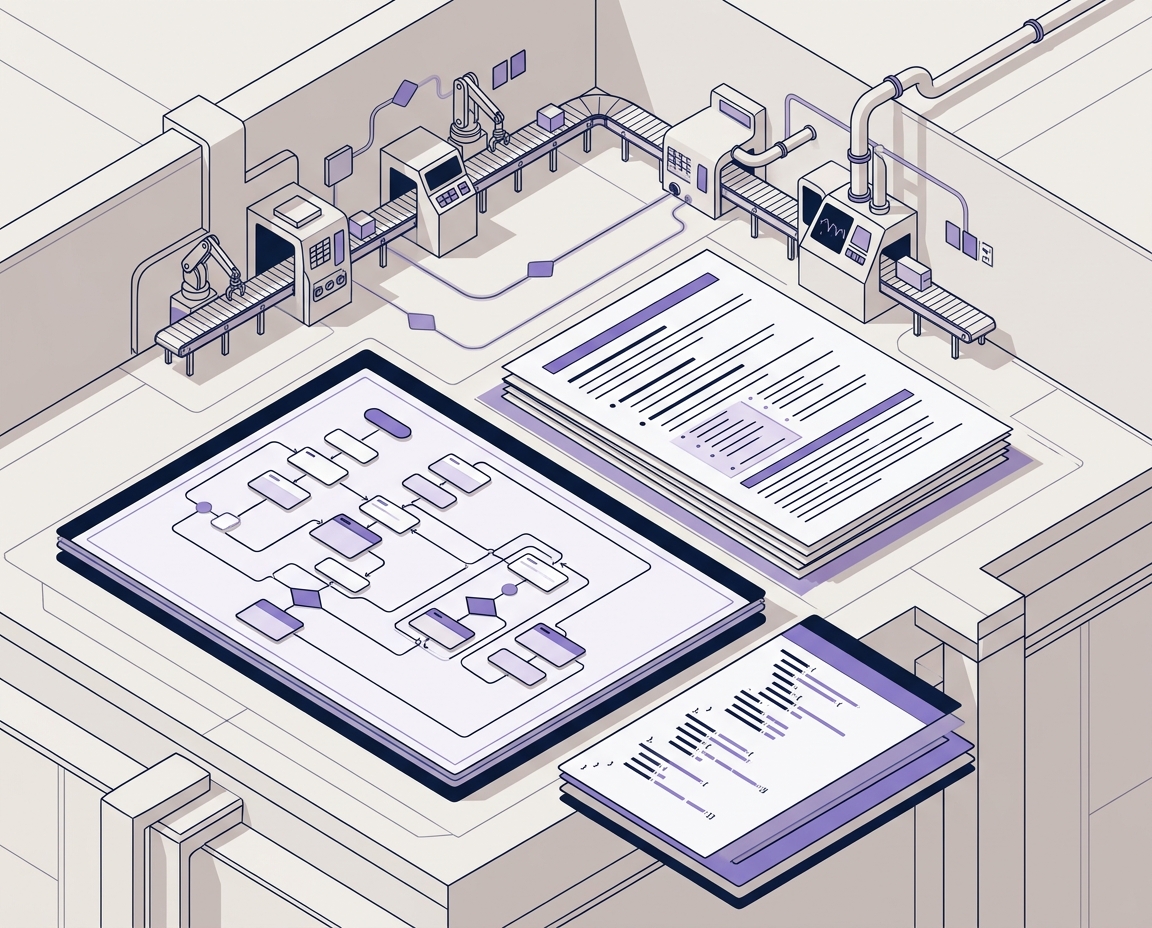
The Finished automations. Ready to run.
Who it is for
Built for teams with too much process and too little time.


Forge blueprints are built for small operations carrying large process loads, which usually means marketing and creative agencies running client work across a dozen tools, startups where one operations hire holds the entire back office together, and consultancies that win on delivery speed but lose hours to admin.
If your team knows exactly which process is costing it time but has neither a developer nor a free fortnight to fix it, these are built for you.
Why Blueprints Save Time

Skip the trial and error. Start with a working system.
Building an automation from scratch is rarely the hard part. The hard part is the two weeks of trial runs, the field mapping that breaks on the third record, and the error handling nobody thinks about until a client notices.
A Forge blueprint arrives past all of that. The logic is already structured, the failure paths are already handled, and the setup PDF tells you which credentials to connect and in what order. Most buyers have a blueprint live in an afternoon.
The saving compounds. A workflow that reclaims three hours a week returns over a hundred and fifty hours in a year, every year, with no further work from you.
FAQS
Frequently asked questions (FAQs)
1. Do I need to know how to code?
No. Blueprints are imported into Zapier or Make.com as finished workflows, and the setup guide walks through every connection and field in order. If you can log into the apps you want connected, you can install a blueprint.
2. Will this work with the tools I already use?
Each product lists the apps it connects out of the box. Where a tool has no native integration, the blueprint includes a webhook payload template so it can still be reached, and the setup guide covers how to point it at your system.
3. Do I need a paid Zapier or Make.com plan?
Some blueprints use multi-step logic or premium connectors, which require a paid plan on your automation platform. The plan level needed is stated on each product page before you buy. The blueprint itself carries no subscription.
4. What exactly do I download?
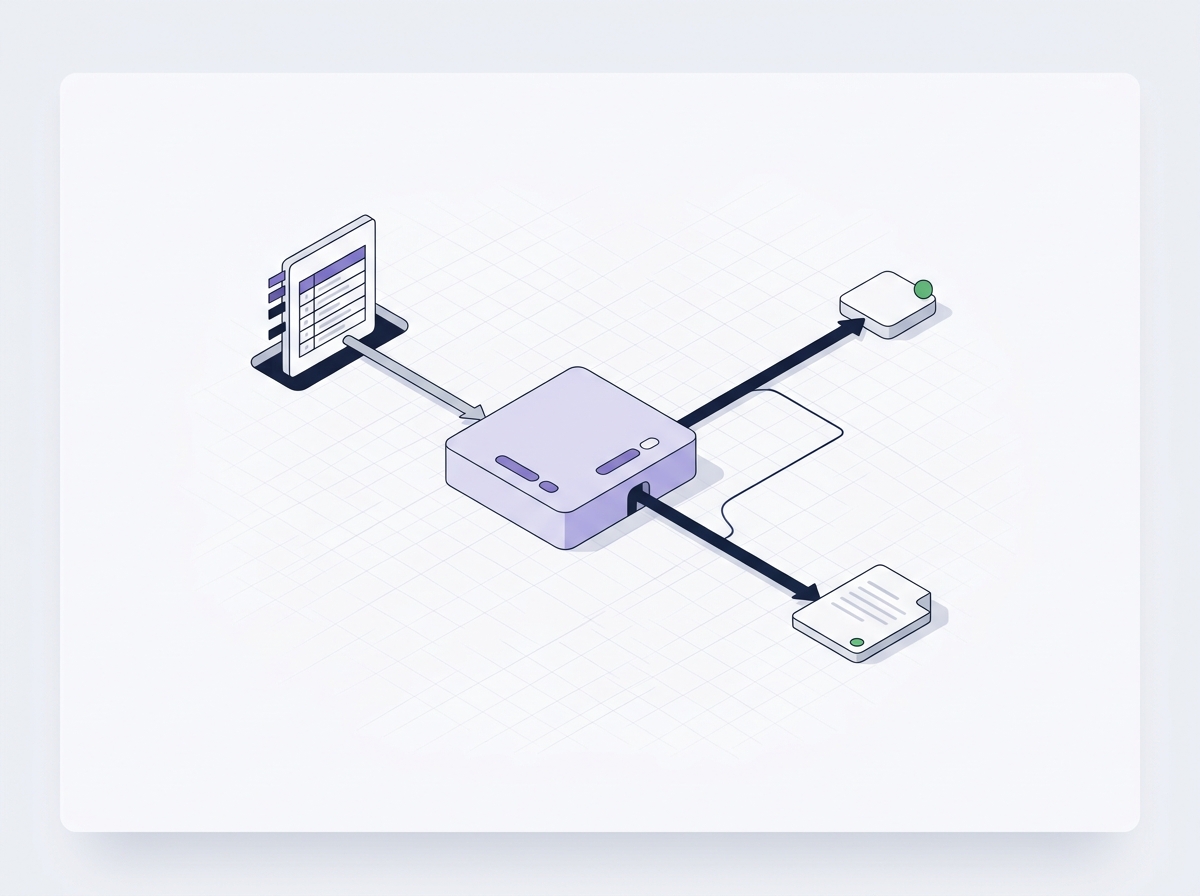
The workflow file as a JSON export, a step-by-step setup PDF, and any webhook payload templates the build needs. Everything arrives at once, immediately after purchase.
5. How long does setup take?
Most buyers have a blueprint running the same afternoon. The variable is how many apps need connecting and whether your credentials are already to hand, not the blueprint itself.
6. Can I change the blueprint after I install it?
Yes, and you should. It sits in your own account, so you can open it, rename steps, add branches and extend it as your process changes. Nothing is locked.
7. What if an app changes and the workflow breaks?
You own the file, so you can repair it yourself using the setup guide, which names each step and what it does. If you hit something the guide does not cover, contact us with the detail.
8. Can I use one blueprint across several of my own workflows?
Yes. Your licence covers use throughout your own business. Blueprints may not be resold or redistributed as products in their own right.
Knowledge Hub